

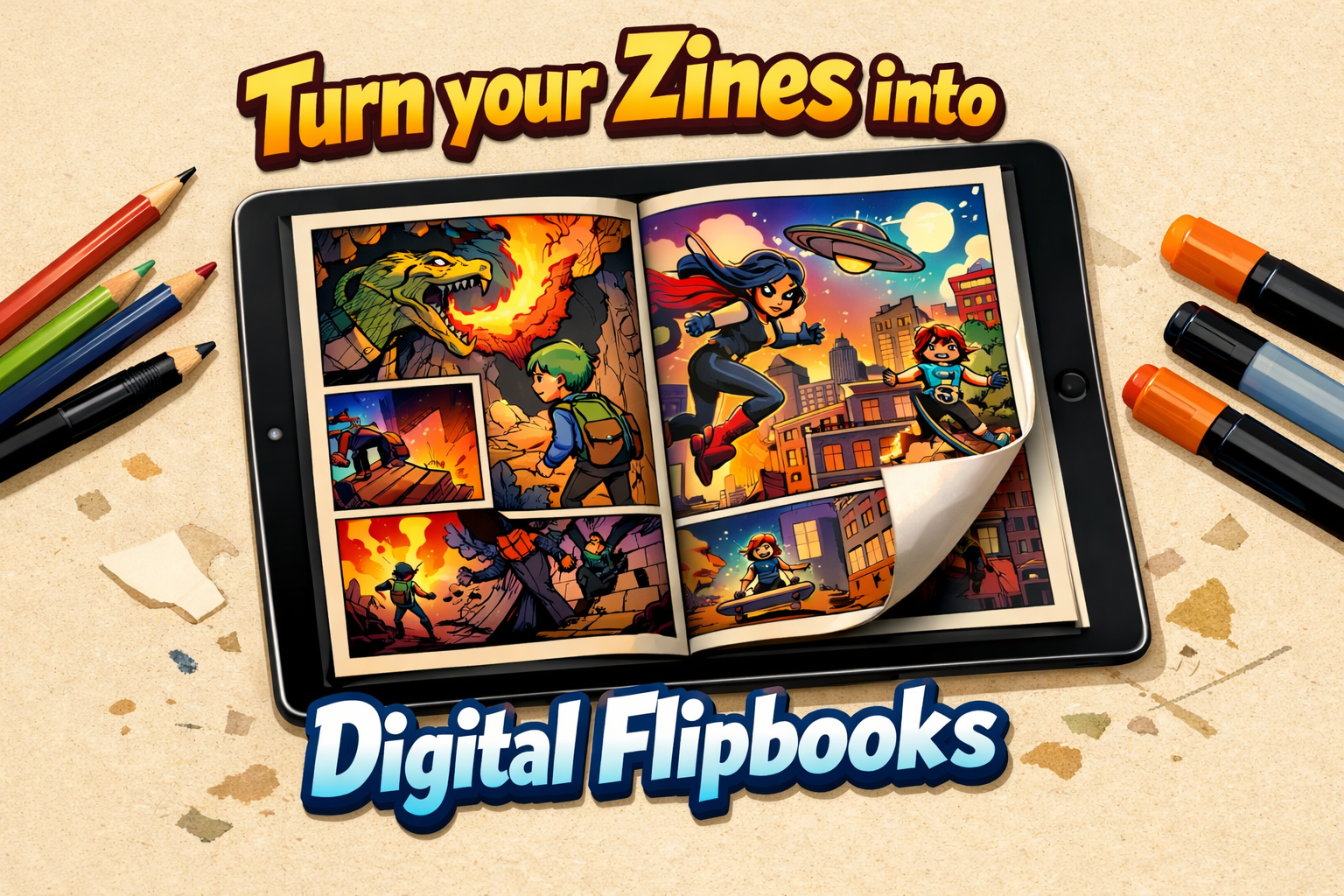
You’ve finished drawing, writing, and scanning your zine. The physical copies look great. But now you want to share it online with your followers on Instagram, Twitter, or Discord.
You have a few options, and honestly, most of them aren't great:
- Share a PDF on Google Drive: It works, but it forces people to awkwardly scroll down a screen. It ruins the pacing of your page turns.
- Use a corporate platform like Issuu: It gives you that nice "book" feel, but they cover your art in third-party ads and lock basic features behind a $20/month subscription. That doesn't fit the indie budget.
There is a better, indie-friendly way. At Fflipp, we built our platform specifically for independent creators who want professional tools without the corporate price tag.
Here is how to publish your digital zine for free using Fflipp:
Step 1: Prep your Files (The Spread Problem)
If you scanned your zine as two-page spreads (left and right pages scanned together), digital viewers will display them awkwardly. You need to split them into single pages first.
You have two easy options with Fflipp:
- The Quick Upload: If your zine is a PDF of double-page spreads, you can simply use the "Split Double-Page PDF" option right inside your Fflipp dashboard when creating a new book. We do the math and split it automatically.
- The Free Web Tool: If you just want to split your files and download them as individual JPGs to edit them further, use our Free PDF Double-Page Splitter Tool. No login required!
Step 2: Upload to Fflipp
Create a free account on Fflipp (no credit card required). Click "Add New Flipbook" and drag and drop your PDF or image files. Within seconds, Fflipp converts your flat files into a beautiful, interactive booklet that viewers can physically "flip" through.
Do you draw in traditional Japanese style? In the Fflipp editor, you can change the Reading Direction to Right-to-Left (RTL), so your readers turn the pages correctly!
Step 3: Add the Vibes (Multimedia)
A physical zine is tactile. A digital zine can be an audiovisual experience.
Using the Fflipp editor, you can upload an MP3 as Background Music to set the mood while people read. You can even use the "Hotspot" tool to embed a YouTube video (like a speed-paint timelapse) directly onto one of your pages.
Step 4: Share Your Link
Hit publish, and you will get a clean, shareable link (e.g., fflipp.com/viewer/xyz123). Put this link in your Linktree or Instagram bio. When your followers click it, your zine opens instantly on their phone or computer—no app download required.
Why Zine Creators Love Fflipp
We built Fflipp to respect creators.
- Free Tier: Your first 3 zines are totally free, with unlimited pages.
- No Subscriptions Required! The Fflipp Indie Advantage: Pay-As-You-Go Credit System. You can pay just $5 once to unlock premium features for a specific zine, permanently. No recurring monthly bills.
- Digital Portfolios: You get a free "Public Rack" profile page that displays all your zines in one place, like a digital bookshelf.
Stop settling for boring PDFs. Give your digital zines the presentation they deserve.


Comments & Questions
Log in to join the conversation.