

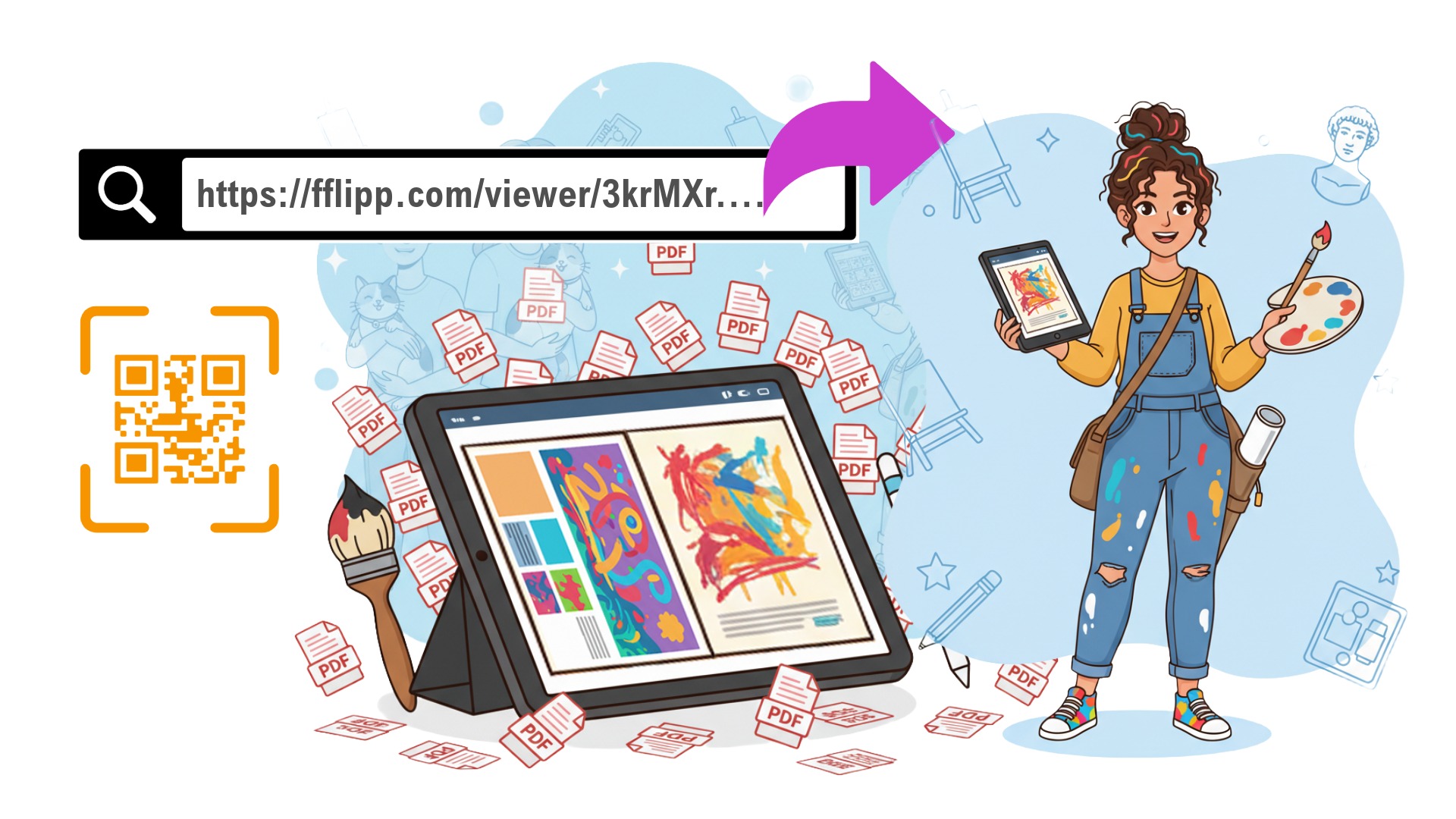
As an art student, you know the struggle: You spend weeks perfecting your pieces, curating your layout in InDesign, and exporting your final portfolio. You hit "Send" to an admissions officer or a gallery, and...
"Error: Attachment size exceeds limit."
Or worse, they open your PDF and it’s a flat, scrolling document that completely loses the narrative flow of your book design. The texture is gone. The experience is flat.
Your work deserves better than a static email attachment. Today, we’re going to show you how to turn that PDF into an immersive, interactive experience using Fflipp.
1. Curate Your Narrative (The Layout)
Before you upload, remember that a portfolio isn't just a dump of everything you've ever drawn. It's a curated exhibition.
- Quality over Quantity: Select your strongest 10-15 pieces.
- Show Process: Art schools love seeing how you think. Dedicate a spread to your sketches, color tests, and failed attempts that led to the final piece.
- Export for Web: Save your layout as a high-quality PDF. Don't worry about the file size too much—Fflipp handles the compression for you while keeping the images crisp.
2. Add Depth with "Process" Videos
This is where Fflipp changes the game. A standard PDF can't show a timelapse of your painting, or a 360-degree spin of your sculpture. A Fflipp book can.
Use our Video Hotspot feature to overlay a "Play" button directly on top of your artwork. When a viewer clicks it, they can watch your process video inside a lightbox without leaving the page.
Tip: This creates a "multimedia" experience that stands out massively compared to static applications.
3. Share with a Link or QR Code
Instead of hoping your 50MB file doesn't crash an inbox, you simply send a short, unique link: fflipp.com/viewer/3krMXr....
Exhibiting in a gallery?
Fflipp automatically generates a QR Code for every flipbook. You can print this out and place it on your wall label next to your physical artwork. Visitors can scan it to instantly see your full portfolio, pricing list, or artist statement right on their phones.
It loads instantly on any device and gives the viewer the tactile experience of flipping through a real book.
Why Fflipp is better than a Website Builder
You’re an artist, not a web developer. Building a Squarespace or Wix site takes time and money.
| Website Builder 💻 | Fflipp Portfolio 📖 |
|---|---|
| Expensive ($15-$30/month) | Free to start (3 books included) |
| Complex setup, coding often required | Drag & Drop your PDF. Done in seconds. |
| Linear scrolling | Book Format preserves your layout spreads. |
A Smart Tip for Final Projects
If this is your graduate portfolio or a major application, you might want it to look extra professional (no ads, your own logo, password protection for unreleased work).
With our new Pay-As-You-Go Credits, you don't need a monthly subscription. You can pay just $5 (for a Starter Pack) and unlock the Business features for your portfolio permanently. You pay once, and your portfolio stays professional forever.


Comments & Questions
Log in to join the conversation.